My responsibilities
Game design:
Designed the core loop and overall player experience goals
Championed and designed the conveyor belt system as a dual-purpose gameplay element
Tested and iterated on player character controls
Collaborated with art, sound, programming, and design on features throughout production
Level design:
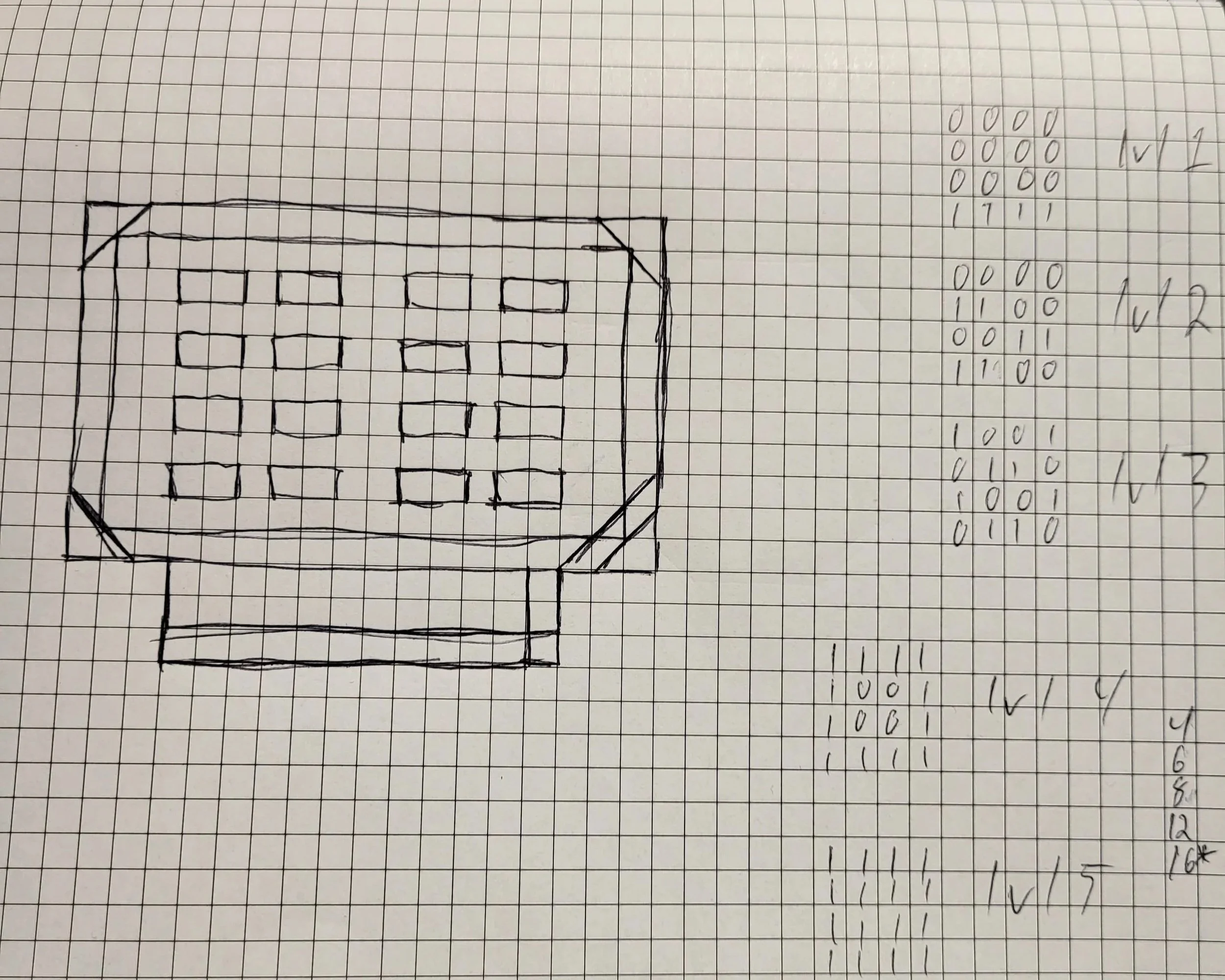
Prototyped level layouts using paper sketches and blockouts in Unity
Designed a single-room level with a modular approach, keeping scope manageable within the production timeframe
Designed difficulty scaling across three levels through order complexity and time pressure rather than layout changes
Design issue examples
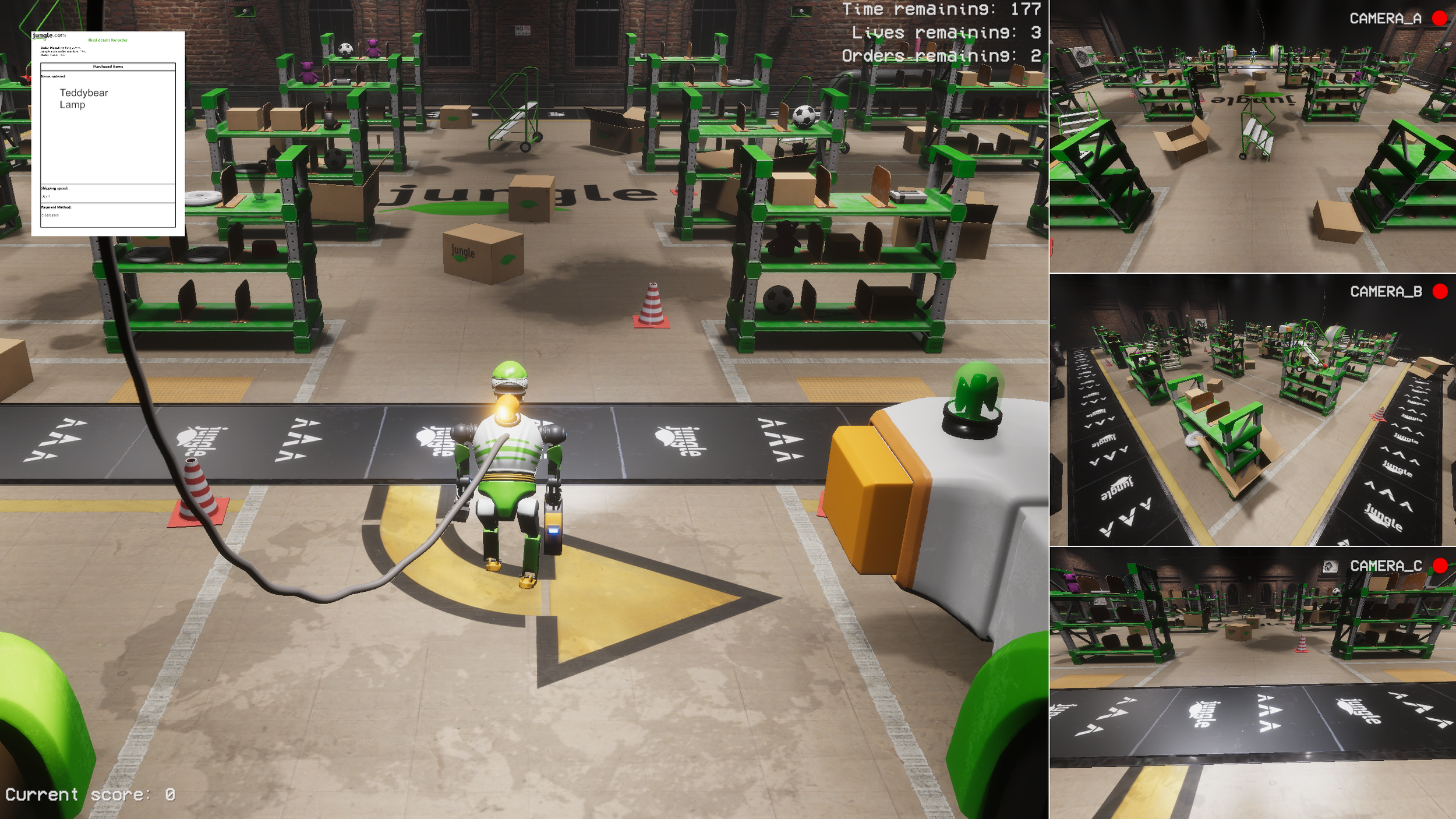
Issue 1 - Designing a space element that helps and hinders

Result:
The belt became one of the defining elements of the game, adding spatial decision-making without requiring separate difficulty tuning. Skilled players used it to cut movement time significantly. Less experienced players experienced it primarily as an obstacle.
Problem:
The static warehouse environment needed something that gave the player meaningful spatial decisions. A purely passive level risked feeling flat once the controls were understood.
Solution:
I designed a conveyor belt running along the walls and in front of the loading zone. It could work against the player by moving clutter into their path, but also be used strategically to carry items toward the loading zone while the player retrieved something else.
Issue 2 - Difficulty tuning
Result:
The final level was overtuned. It is completable, but requires control familiarity and deliberate use of the conveyor belt. A direct reminder that internal testing alone is not sufficient for difficulty calibration, and one that shaped how I approached playtesting in later productions.
Problem:
With a short production window and limited external playtesting, calibrating difficulty was difficult. Time pressure and order complexity stacked up quickly in the later levels.
Solution:
Difficulty was scaled across the levels by increasing order complexity, as well as reducing time given, and allowing the items needed to be spawned on more shelves, keeping the level layout consistent. Internal testing was used to evaluate whether levels were completable.
Lessons Learned
Controls need to be locked down early. While building on an existing scheme can save time initially, it can carry with it issues later in the production.
Difficulty is harder to tune without external players. What feels balanced to a team mid-production is not a reliable guide to a first-time player's experience.
Reactive world elements change how a space feels to play in. The conveyor belt, the boss reacting to player actions, the alternate camera views on the secondary screen. None of these are core mechanics, but together they made the warehouse feel inhabited. It was the first production where I explored that layer deliberately, and it has informed how I think about environment design since.